Estimated reading time: 6 minutes
The Growing Challenge of Managing Facebook Content
Facebook remains one of the most powerful platforms for personal and professional engagement, with over 3 billion monthly active users worldwide. However, that same visibility can become a liability when false, embarrassing, or malicious content circulates—especially when it appears under your name, brand, or image.
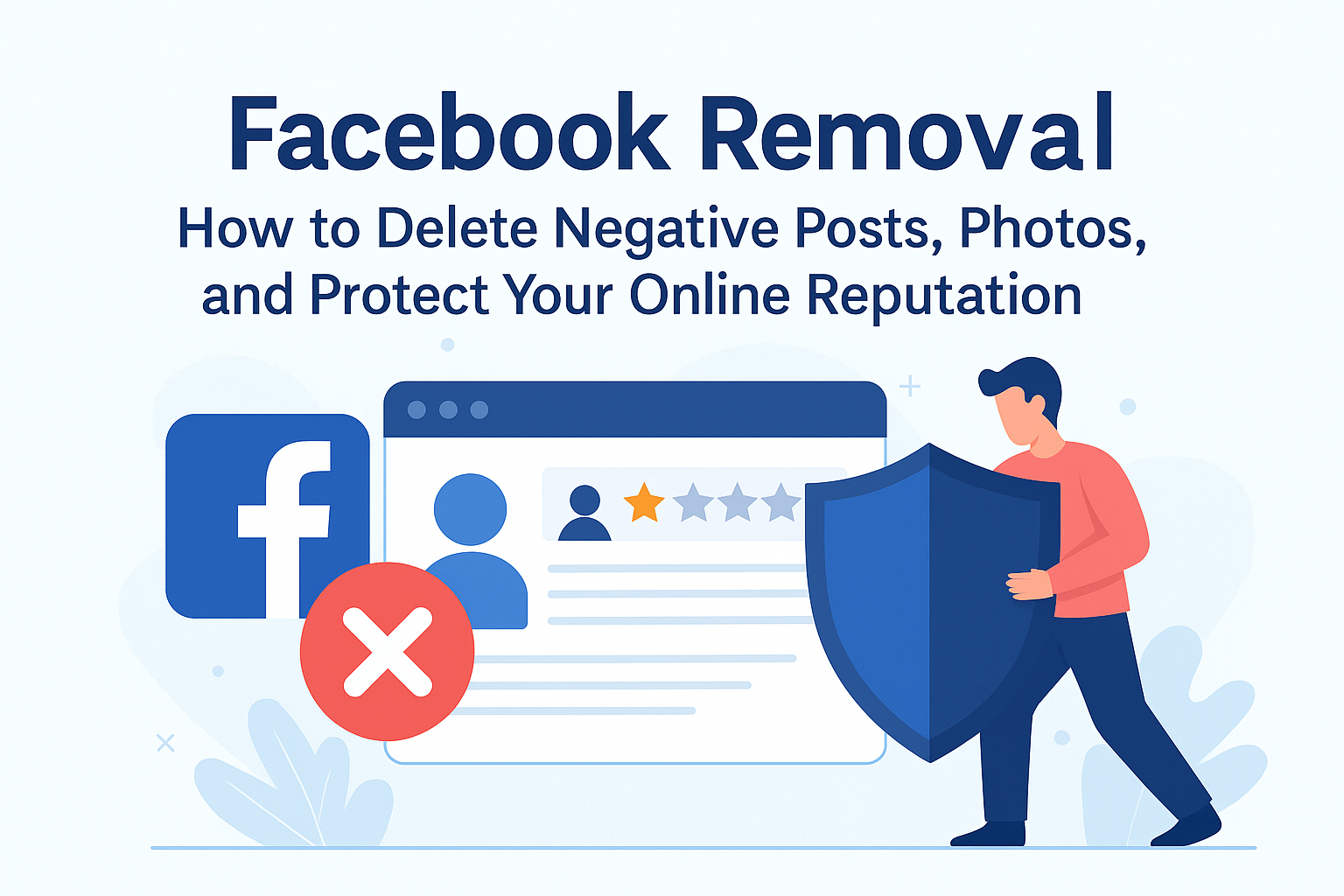
Whether it’s old posts resurfacing, unauthorized photos, or defamatory comments, understanding how to perform Facebook removal effectively is key to protecting your online reputation.
In this comprehensive guide, we’ll cover how to remove negative content from Facebook, navigate reporting processes, suppress unwanted material, and leverage professional solutions like OptimizeUp to regain control of your personal or business image.
Why Facebook Removal Matters for Reputation Management
Reputation today is built on perception—and perception lives online. A single viral post or damaging review can influence public opinion, cost you clients, and harm professional relationships.
The Risks of Leaving Negative Content Untouched
- Loss of trust among customers or peers
- Employment repercussions due to unprofessional or false posts
- Harassment or doxxing from shared private information
- Legal exposure from defamatory or copyrighted materials
“Your Facebook presence is your first impression—and sometimes, your last defense.”
Because Facebook’s algorithm favors engagement, even negative posts can spread fast. Acting quickly minimizes visibility and long-term harm.
Types of Facebook Content That May Require Removal
Personal Profile Issues
- Old posts or comments you regret
- Photos uploaded by others without consent
- Tagged images linking to inappropriate content
- Harassing messages or fake accounts impersonating you
Business Page Problems
- False reviews or competitor spam
- Customer complaints exaggerated publicly
- Leaked internal information
- Offensive comments on brand posts
Third-Party Mentions
- Shared screenshots containing private conversations
- Unapproved marketing use of your likeness
- Defamatory or libelous group discussions
The first step in successful Facebook removal is identifying what falls within Facebook’s Community Standards or legal guidelines for takedown requests.
Step-by-Step: How to Remove Negative Facebook Content
Step 1: Identify the Source and Scope
Search your name, brand, or associated keywords using Facebook’s search bar or Google’s “site:” search operator:
site:facebook.com "Your Name"
Document URLs, screenshots, and timestamps of offending posts.
Step 2: Try Direct Deletion or Reporting
For Your Own Posts:
- Go to the post → Click ••• (More) → Select Move to trash or Delete post.
For Content Posted by Others:
- Click the three dots beside the post or photo.
- Choose Find support or report post.
- Select a reason (e.g., harassment, nudity, false information).
You can reference Facebook’s official Help Center on Reporting.
Step 3: Handle Tagged or Shared Content
When someone tags you in an unwanted photo or post:
- Click Remove tag → Confirm removal.
- Adjust your Timeline Review settings to prevent future automatic tagging.
Tip: Turn on “Review tags people add to your posts before they appear” under Privacy Settings > Profile and Tagging.
Step 4: Report Fake Accounts or Impersonations
Impersonation is a serious violation of Facebook policy.
- Visit the fake profile.
- Click More Options > Find Support or Report Profile.
- Choose “Pretending to be someone” and follow the instructions.
You can also use the direct link:
Report Impersonation on Facebook.
Step 5: Request Removal of Sensitive or Private Images
If non-consensual or intimate content has been shared, file a Non-Consensual Intimate Image (NCII) report:
- Go to Facebook NCII Reporting Form.
- Provide URLs and screenshots.
- Facebook’s specialized moderation team typically responds within 24–72 hours.
Step 6: File a Legal or DMCA Request
If the content infringes on copyright, privacy, or defamation laws, you can escalate legally.
DMCA Takedown Process:
- Visit Facebook’s Intellectual Property Report Form.
- Select “Copyright Violation”.
- Submit evidence of ownership or identity.
You may also file under Defamation or Invasion of Privacy through legal representation.
What If Facebook Doesn’t Remove the Content?
Not all removal requests succeed, even if content is false or harmful. In such cases, suppression and strategic management are key alternatives.
Proven Suppression Tactics:
- SEO-driven content creation to outrank harmful links
- Positive PR campaigns emphasizing achievements
- Optimized social profiles on LinkedIn, Instagram, and Twitter to dominate branded search results
Professional services like OptimizeUp specialize in these techniques to ensure your online reputation reflects the truth—not online noise.
How OptimizeUp Helps with Facebook Removal
At OptimizeUp, our team provides advanced strategies for Facebook content removal, suppression, and reputation repair.
Our Solutions Include:
- Direct coordination with Facebook to accelerate takedown requests
- Legal and DMCA assistance for complex removal cases
- Reputation management campaigns to replace negative narratives
- Continuous monitoring of social media for future risks
Call to Action: Don’t let damaging posts control your image. Contact OptimizeUp today to reclaim your reputation and restore confidence in your online presence.
Proactive Privacy and Reputation Protection
Tips for Individuals:
- Regularly review old posts and tagged photos.
- Limit who can view your timeline and friend list.
- Enable “Who can look you up by email or phone” → Friends only.
- Report unauthorized use of your content immediately.
Tips for Businesses:
- Assign trusted admins to handle page moderation.
- Set up automated filters for restricted keywords.
- Respond to complaints professionally and promptly.
- Request false review removal through Meta Business Support.
Example Code: Privacy-Focused Facebook Settings
Settings & Privacy > Privacy Checkup
1. Who can see what you share? → Friends Only
2. How people can find you? → Disable phone/email lookups
3. Profile Lock → ON
4. Tag Review → Enabled
Regular privacy audits like this can prevent future incidents of leaked or shared content.
When Legal Help Is Necessary
Certain scenarios require legal intervention:
- Defamation: False statements damaging your reputation.
- Revenge or NCII cases: Non-consensual sharing of intimate material.
- Copyright infringement: Unauthorized use of your photos or videos.
Consulting an attorney experienced in privacy and media law ensures stronger outcomes. Reference Electronic Frontier Foundation’s guide for understanding online rights.
Frequently Asked Questions (FAQ)
You can delete or report most content, but cached or shared versions may persist elsewhere.
Responses vary—anywhere from 24 hours to several weeks depending on report type.
Yes, if the review violates policy or is clearly false. Report it under “Spam or irrelevant content.”
Once deleted, posts cannot be restored unless backed up in your activity log.
While we can’t directly delete third-party posts, we negotiate removals and manage suppression strategies effectively.
Indirectly, yes. Less negative content means fewer damaging results on Google.
Persist with reports and contact Facebook’s Impersonation Support. OptimizeUp can assist with recurring cases.
If proven defamatory or illegal, platforms must comply with takedown orders under applicable law.
Yes. Use Google’s Remove Outdated Content Tool to erase cached links.
Absolutely. We manage removal and suppression on Reddit, Yelp, Glassdoor, and more.
Can I completely delete content frZdoor, and more.
Building a Stronger Online Reputation After Removal
Once negative Facebook content is deleted or suppressed, it’s crucial to rebuild trust proactively.
Recommended Steps:
- Create high-quality posts about achievements or community work.
- Engage with audiences positively—respond to feedback transparently.
- Collaborate with press outlets to highlight your brand’s integrity.
- Audit online mentions monthly to stay ahead of potential issues.
Your reputation is a living asset. Protect it with ongoing attention and consistency.
Works Cited
- Facebook. Community Standards and Content Policies. Meta Platforms, Inc., www.facebook.com/communitystandards.
- Google. Remove Outdated or Sensitive Information. Google Support, support.google.com/websearch/troubleshooter/3111061.
- Electronic Frontier Foundation. Privacy and Free Expression. EFF, www.eff.org/issues/privacy.
- Federal Trade Commission. Protecting Consumer Privacy Online. FTC, www.ftc.gov.