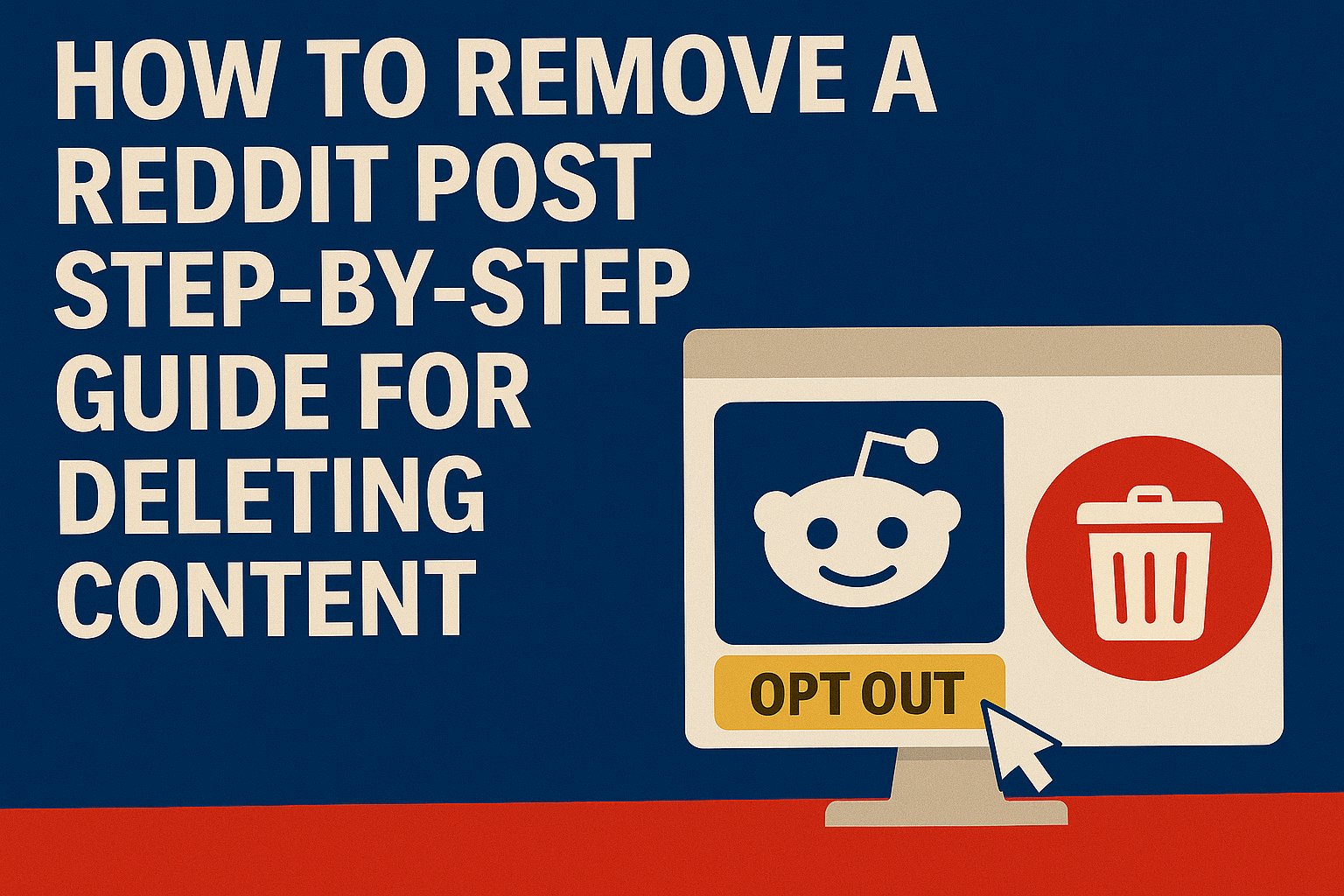
Reddit is one of the largest online communities in the world. Whether you’re a casual poster, a content creator, or someone who commented in a heated thread, there may come a time when you want to remove a Reddit post. Whether it’s for privacy, professionalism, or simply regret, deletion is possible—but it isn’t always straightforward.
This detailed guide walks you through exactly how to remove a Reddit post, minimize your content footprint, and maintain control over your personal information.
Why You Might Want to Remove a Reddit Post
People choose to delete Reddit posts for a variety of reasons:
- Accidental oversharing (e.g., personal info, workplace stories)
- Violation of subreddit rules
- Privacy concerns
- Unwanted attention or backlash
- Search engine indexing (posts showing up in Google)
- Legal liability or misinformation concerns
“Once something is on Reddit, it spreads fast. Deleting it quickly can limit damage.”
Step-by-Step: How to Remove Your Reddit Post
1. Log in to Your Reddit Account
Go to www.reddit.com and sign in.
2. Visit Your Profile
Click on your profile avatar (top-right corner) > Profile. This opens the “Posts” tab by default.
3. Find the Post You Want to Delete
Scroll through your content and locate the post in question. You can also use the search bar with author:yourusername to narrow it down.
4. Click the Three Dots ( ⋮ )
Under the post, click the three dots for the options menu.
5. Select “Delete”
Confirm your choice when prompted.
Heads up: Deletion is permanent. Once removed, you won’t be able to recover the post.Important Notes:
- Deleting a comment works the same way. Go to your Comments tab, find the comment, and delete.
- You must be the original author of the post to delete it.
- Post deletions are local to Reddit—Google or Archive.org may still show the content.
What Happens After You Delete a Reddit Post?
- The post is no longer visible on Reddit.
- Your username will no longer be linked to the content.
- However, the content might still be cached or archived elsewhere.
Third-Party Archiving Sites
- Wayback Machine
- Unddit
- Removeddit
- Resavr (comment preservation)
These platforms often capture Reddit posts before deletion, particularly in popular threads.
How to Remove Cached Versions of Reddit Posts
Step-by-Step: Remove a Cached Reddit Post
- Identify the URL of the original Reddit post
- Visit the Wayback Machine
- Paste the URL and check if a snapshot exists
- If found, click https://archive.org/about/ and submit a removal request
For Google Cached Links:
- Visit Google Content Removal Tool
- Log in and enter the Reddit URL
- Select “Outdated Content”
- Submit and wait for confirmation (can take 24–72 hours)
Legal Tools for Removal:
- File a DMCA request for reposted media
- Use CCPA or GDPR rights if you reside in California or the EU
- Contact Reddit support at https://www.reddit.com/report
Prevent Future Reddit Content from Being Indexed
- Post in private or restricted subreddits
- Use throwaway accounts for risky or emotional posts
- Avoid posting identifiable images or links
- Use third-party tools like Unreddit to auto-delete old posts
Alternatives to Deleting: Edit or Hide
If full deletion isn’t an option, consider:
- Editing: Change the text of your post to a neutral message (e.g., “[deleted]”)
- Hiding: Use the hide feature so the post doesn’t show in your profile or feeds
- Cross-post removal: Reach out to subreddit mods if others reposted your content
Editing before deleting helps reduce the chance of the post being archived in its original form.Removing Posts from Reddit Mobile App
iOS or Android:
- Open Reddit app and go to your Profile
- Tap the post to open it
- Tap the three dots > Delete > Confirm
Tips for Mobile Users:
- Ensure the app is updated
- If you don’t see the delete option, clear cache and relaunch
- Posts from suspended accounts cannot be removed via app
When You Can’t Delete a Post
- Banned or suspended accounts lose access to delete content
- Moderators may lock threads, preventing edits but not deletions
- Archived posts (older than 6 months) may be locked for interactions, but can still be deleted from profile
- Posts in highly active subreddits may be copied elsewhere, requiring separate actions
Long-Term Reputation Strategy
If unwanted Reddit content has damaged your online presence, consider broader actions:
Suppress Negative Content:
- Publish fresh, optimized content about yourself or your brand
- Use SEO to push old Reddit posts down in search results
- Guest post on authoritative sites to control narrative
- Optimize LinkedIn and personal website content
Remove from Search Engines:
- Use Google’s Remove Outdated Content tool
- Request legal removals under laws like the CCPA or GDPR (in eligible regions)
- Request site-specific removal if posts were reposted to another domain
How Optimize Up Can Help
Whether you’re a professional, public figure, or private individual, Optimize Up specializes in online content removal and suppression:
- Reddit post removal strategies
- Search engine suppression
- SEO-optimized positive content
- Reputation audits and monitoring tools
- Archive takedown support and attorney referrals
Take control of your narrative. Contact Optimize Up for a Reddit content removal consultation.
Frequently Asked Questions
Yes, but screenshots or archived versions may still exist. Deleting it limits exposure moving forward.
No. Deleted posts quietly disappear from the thread and your profile.
No. Suspended users cannot delete past posts unless they regain access.
No. Suspended users cannot delete past posts unless they regain access.
No. Deleting your account won’t remove your posts. You must delete posts manually first.
Yes. We handle removal requests, legal coordination, and search suppression campaigns.
Yes, but it must be done via editing before deleting the post. Once deleted, embedded media typically becomes inaccessible.
Use browser extensions like Nuke Reddit History or apps like Shreddit (Chrome and Firefox extensions) to bulk-delete posts and comments.
Mods can remove posts from public view but not from your profile. Only you can fully delete your own post.