Estimated reading time: 6 minutes
Why Bing Search Results Matter More Than People Expect
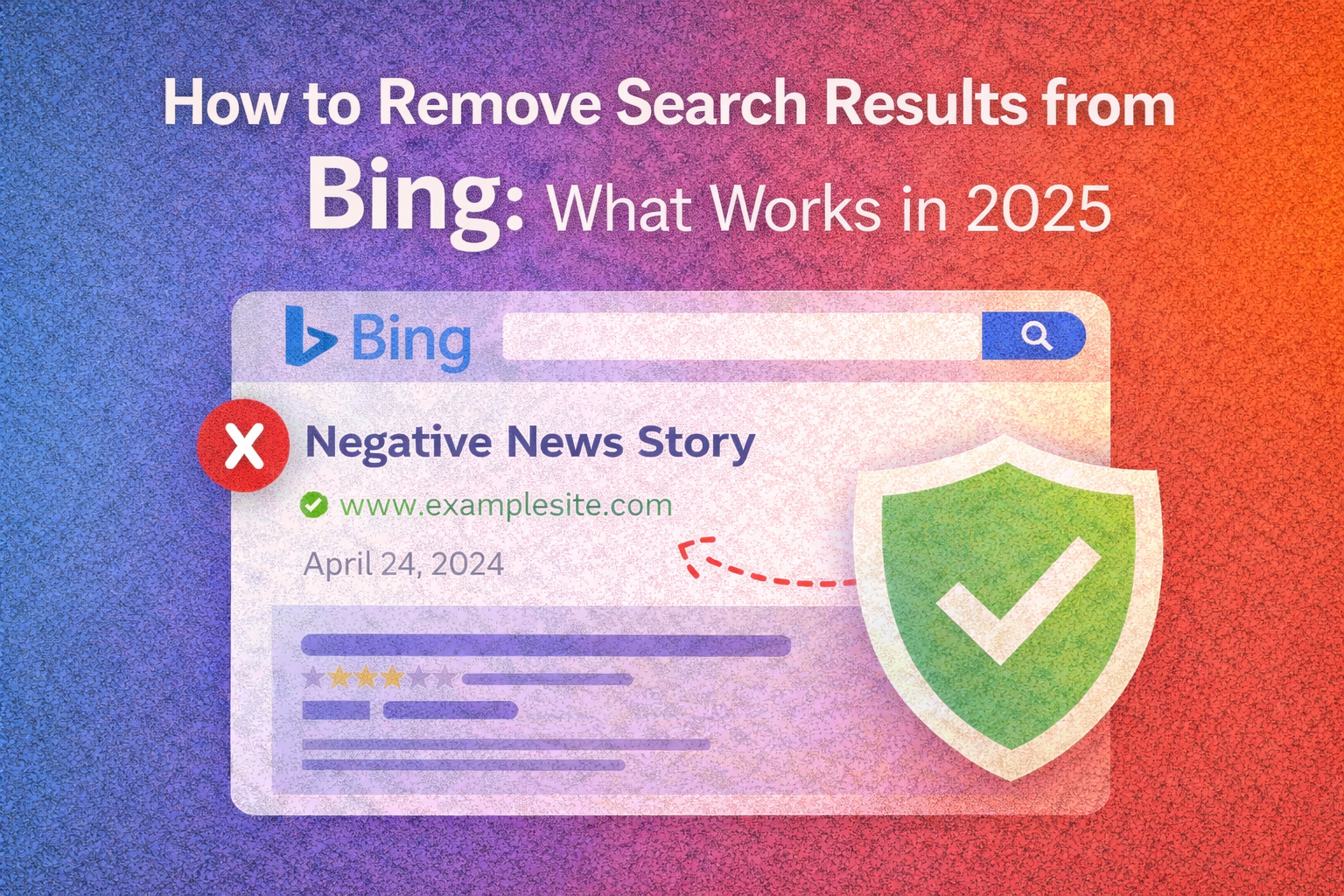
Although Google dominates market share, Bing still plays a meaningful role in visibility, reputation, and perception. Bing powers search results across multiple platforms and devices, including default browser integrations and enterprise environments. For many users, Bing results are encountered unintentionally—but still influence trust.
People searching how to remove search results from Bing are often facing:
- Outdated articles
- Inaccurate directory listings
- Old legal or news coverage
- Privacy-related content
- Unwanted profile pages
- Search results no longer reflecting reality
Search engines do not judge fairness. They rank content based on relevance, authority, and policy compliance. This principle is outlined in Google’s guidance on creating helpful, reliable content, and Bing follows a similar framework.
Understanding what Bing will and will not remove is the first step toward effective action.
How Bing Indexes and Displays Search Results
Bing crawls the web, indexes content, and ranks pages based on its own algorithms and quality standards. While similar to Google, Bing has unique policies, especially around privacy and personal data.
Bing search results typically include:
- Organic listings
- News results
- Image and video modules
- Profile and directory pages
- Knowledge-style summaries
Once content is indexed, it remains visible until one of three things happens:
- The source removes it
- Bing removes or deindexes it
- Stronger content outranks it
Most reputation challenges fall into the third category.
What “Removing” Search Results from Bing Really Means
Removal can mean several different outcomes:
- Source deletion – The page no longer exists
- Deindexing – Bing removes the page from its index
- Suppression – The page is pushed lower in rankings
In practice, full removal is limited. Suppression and contextualization are far more common and often just as effective.
When Bing Will Remove Search Results
Bing allows removal under specific conditions, primarily related to privacy, safety, and legality.
Bing may remove content that includes:
- Sensitive personal information
- Explicit imagery shared without consent
- Identity theft or fraud
- Legal violations
- Court orders
These policies are enforced through Bing’s content removal processes, similar to Google’s Remove Information You Believe Is Harmful framework.
Most negative or embarrassing results do not qualify.
When Bing Will Not Remove Content
Bing generally refuses removal requests when content:
- Is factually accurate
- Appears on news or editorial sites
- Expresses opinion
- Is part of public record
- Does not violate policy
This applies even when content is outdated or harmful to reputation.
Step-by-Step: How to Submit a Removal Request to Bing
If content qualifies under Bing’s policies, follow these steps carefully.
Step 1: Identify the Exact URLs
Copy the full URLs you want reviewed.
Step 2: Use Bing’s Content Removal Tool
Submit a request through Bing’s official removal channels.
Step 3: Select the Appropriate Category
Choose the option that best matches the violation.
Step 4: Provide Clear Context
Explain why the content violates policy. Keep it factual and concise.
Step 5: Monitor the Outcome
Responses may take days or weeks, and outcomes vary.
Removal is never guaranteed.
Requesting Source-Level Removal First
Bing prioritizes source removal. If the publisher deletes the page, Bing will eventually drop it from results.
This is most effective when:
- Information is incorrect
- Context has changed
- The publisher has ethical update policies
Professional, evidence-based outreach improves success rates.
Why Most Bing Removal Requests Fail
Many people assume search engines act as arbiters of fairness. They do not.
Bing focuses on:
- Policy compliance
- Legal requirements
- User safety
Reputation harm alone is not sufficient grounds for removal.
This is why alternative strategies matter.
Suppression: The Most Reliable Strategy in 2025
Suppression means pushing unwanted Bing results lower by outranking them with stronger, more relevant content.
Why suppression works:
- Most users never click beyond page one
- Bing favors authoritative, current sources
- Multiple assets dilute single negative pages
Suppression aligns with how search engines rank content.
How Suppression Works on Bing
Suppression relies on:
- Owned content
- Profile optimization
- Authority building
- Consistent entity signals
When Bing sees clearer, more authoritative information, it ranks that content higher.
Building Content That Outranks Unwanted Bing Results
Effective suppression assets include:
- Personal or business websites
- Biography or “About” pages
- Thought leadership articles
- FAQs addressing context
- Media features
Each asset should naturally reference your name or brand.
Name-Based Optimization for Bing Searches
Most unwanted results rank for name-based queries.
Optimization focuses on:
- Full name
- Name + profession
- Name + location
- Brand name variations
This ensures Bing associates the query with accurate sources.
Using Profiles to Push Down Bing Results
High-authority platforms often rank well on Bing.
Examples include:
- Crunchbase
- About.me
- Professional directories
Complete, accurate profiles strengthen trust signals.
Reviews and Public Perception on Bing
Bing surfaces reviews from multiple sources.
Best practices include:
- Encouraging authentic feedback
- Responding professionally
- Maintaining consistent branding
Review visibility plays a role in reputation-focused searches.
Multimedia Content as a Bing Suppression Tool
Bing heavily features visual content.
Effective formats include:
- Videos
- Images
- Slide presentations
Optimized multimedia can outrank text-only pages.
How Long Suppression Takes on Bing
Timelines vary depending on competition.
Typical ranges:
- Low competition: 1–3 months
- Moderate competition: 3–6 months
- Complex cases: 6–12 months
Consistency is critical.
Common Mistakes That Make Bing Issues Worse
Avoid:
- Filing repeated baseless requests
- Publishing thin content
- Using deceptive tactics
- Reacting emotionally
- Expecting instant results
These behaviors often backfire.
Legal Options and Bing Search Results
Legal action may apply when content involves:
- Defamation with provable falsehood
- Privacy violations
- Identity misuse
Even then, legal remedies are slow and uncertain.
Ethical Boundaries You Should Not Cross
Ethical reputation strategies avoid:
- Fake profiles
- False claims
- Impersonation
- Manipulative links
Search engines penalize deceptive behavior.
How Optimized Up Helps With Bing Search Results
Optimized Up helps individuals and businesses reduce the visibility and impact of unwanted Bing search results using ethical, search-aligned strategies.
Our solutions support:
- Bing and Google search audits
- Suppression strategy development
- Content and profile optimization
- Reputation visibility planning
- Long-term monitoring
Optimized Up focuses on sustainable outcomes that protect credibility.
Turning Bing Visibility into Long-Term Control
Once unwanted results are pushed down, maintenance matters.
Best practices include:
- Monitoring Bing searches
- Updating owned content
- Publishing periodically
- Strengthening authority signals
Ongoing effort prevents reappearance.
A Realistic Outlook for 2025
Removing search results from Bing entirely is rare. However, reducing their visibility and influence is achievable with the right strategy.
By focusing on authority, accuracy, and consistency, unwanted results lose power.
If you want expert guidance tailored to your situation, Optimized Up is ready to help.
Visit OptimizeUp.com to begin protecting your search presence.
Frequently Asked Questions
Only in limited cases involving policy or legal violations.
Bing offers some privacy-focused options, but removal is still limited.
Most cases show progress within a few months.
Yes. Fresh, authoritative content is a core suppression strategy.
Yes. Optimized Up handles Bing and Google visibility challenges.
MLA-Formatted Citations
“Creating Helpful, Reliable Content.” Google Search Central, https://developers.google.com/search/docs/fundamentals/creating-helpful-content.
“Remove Information You Believe Is Harmful.” Google Support, https://support.google.com/websearch/troubleshooter/3111061.
“Google Business Profile Help.” Google Support, https://support.google.com/business/answer/7091.
Related Contents: