Estimated reading time: 6 minutes
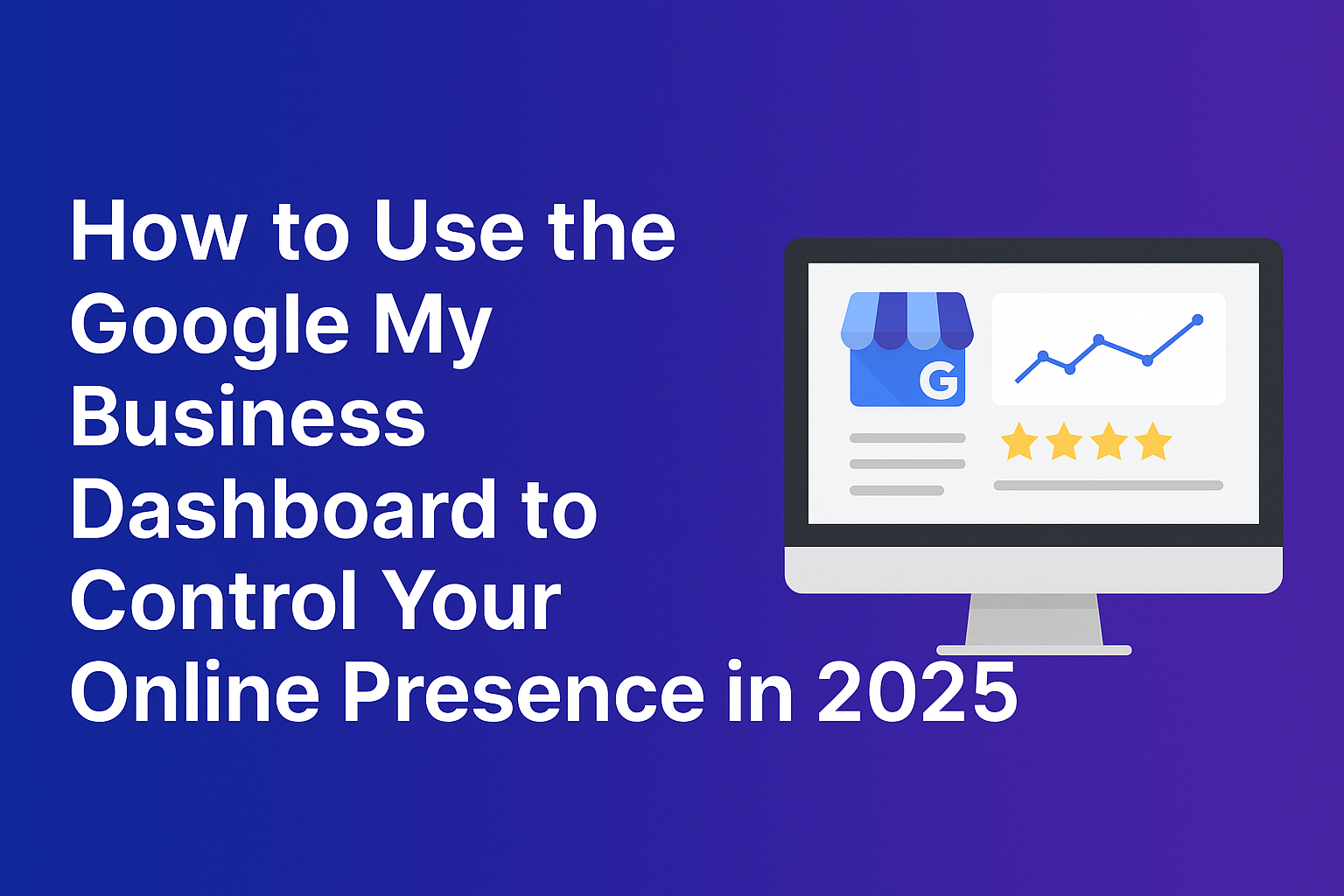
Staying visible in 2025 means mastering the tools that influence local search rankings and customer interactions. At the center of this is the Google My Business dashboard (now often referred to as Google Business Profile Manager). It remains the go-to platform for managing how your business appears across Google Search and Maps.
When leveraged correctly, this platform can significantly impact your online authority, customer engagement, and local search performance. In this comprehensive guide, we break down the latest updates, features, and practical strategies for using the Google My Business dashboard to your advantage.
Why Your Google Business Profile Matters More Than Ever
As consumers increasingly rely on local search to find services, your Google Business Profile is often the first impression you make. From phone calls and website visits to appointment bookings and customer reviews, everything starts with your business profile.
Key Benefits:
- Increased visibility in local search results
- Direct customer engagement via messaging and reviews
- Performance analytics to guide marketing efforts
- Integration with Google Ads and Maps for better targeting
- Enhanced reputation management with real-time feedback
- Trust signals for customers searching for credible businesses
Navigating the Google My Business Dashboard in 2025
Accessing Your Dashboard
To access your Google Business Profile dashboard:
- Sign in to your Google Account.
- Visit Google Business Profile Manager.
- Select the business profile you want to manage.
From here, you can edit profile information, manage reviews, update posts, track insights, and configure messaging settings.
Dashboard Overview
Here are the primary sections you’ll find:
- Profile Editor: Update business name, categories, address, service areas, hours, phone, and website.
- Performance Insights: Track views, searches, direction requests, and more.
- Messages: Communicate directly with customers.
- Reviews: Respond to customer feedback and flag inappropriate content.
- Posts: Share updates, promotions, and events.
- Bookings: Integrate with booking platforms (e.g., Calendly, Square).
- Photos & Videos: Showcase your location, team, and offerings.
- Q&A Section: Answer customer questions that appear on your profile.
Complete Optimization Guide for Your Business Profile
Optimization is not a one-time task—it’s an ongoing process. Here’s how to ensure your business profile remains accurate, engaging, and search-friendly.
1. Perfect Your Core Information
Your business name, address, and phone number (NAP) must be consistent across all platforms. Add:
- Business categories (primary and secondary)
- Service area or physical location
- Business hours, including holiday hours
- Accessibility features (wheelchair accessible, gender-neutral restrooms, etc.)
2. Leverage High-Quality Visuals
Photos influence clicks. Upload:
- A compelling cover photo
- Interior shots of your business
- Product or service images
- Team headshots
- Before-and-after project shots
Videos under 30 seconds can also boost engagement and increase dwell time on your profile.
3. Use Posts Strategically
Google Posts allow you to:
- Promote offers
- Announce events
- Highlight new services
- Share important updates
- Drive traffic to new blog content or landing pages
Posts remain visible for 7 days (unless it’s an event), so update them weekly. Use keywords in your posts to increase relevance.
4. Activate Messaging
Enable customer messaging and respond quickly. Timely replies improve your local trust score and increase your chances of being featured in the local 3-pack.
Tips for success:
- Set automated welcome replies
- Assign a team member to monitor messages
- Answer FAQs promptly
5. Collect and Respond to Reviews
Positive reviews help with ranking. Ask satisfied clients to leave a review and always respond—even to negative feedback. Addressing concerns professionally enhances credibility.
Create a short link using Google’s built-in feature to make requesting reviews easier.
6. Add Products and Services
Listing your products and services gives Google more context. Be detailed and use relevant keywords without stuffing. Link to corresponding product/service pages on your site for SEO strength.
Example:
- Service: Residential Carpet Cleaning
- Description: Eco-friendly carpet cleaning for homes using non-toxic solutions. Book now for same-day service.
Deep Dive: Google Business Profile Attributes in 2025
Attributes enhance your profile by providing quick context. Examples include:
- Women-led
- Black-owned
- Veteran-led
- LGBTQ+ friendly
- Free Wi-Fi
- Online appointments
Choose attributes relevant to your audience to build trust and attract values-aligned customers.
Understanding Google Business Insights
The Insights section provides valuable analytics:
- How customers find your profile: Search queries, direct vs. discovery
- Where customers view you: Search vs. Maps
- Customer actions: Website clicks, calls, requests
- Photo views: Compared to competitors
- Direction requests: Heatmaps of where users are coming from
Monitor data trends monthly and adjust your strategies accordingly. Pay attention to seasonal changes and local events that affect traffic.
Multi-Location Management: A 2025 Strategy
If you manage more than one location, use the Business Groups and Location Groups features.
Benefits:
- Bulk updates
- Centralized review management
- Location-specific insights
- Consistent branding across listings
- Centralized user permissions and access controls
Use Google Business Profile APIs for advanced automation, including review response automation, photo uploads, and real-time data syncing.
Tips to Boost Local Rankings in 2025
Google’s local search algorithm weighs:
- Relevance
- Distance
- Prominence
Strategies to Rank Higher:
- Complete every section of your profile
- Post regularly (weekly minimum)
- Use location-specific keywords
- Add UTM tracking links
- Gain high-quality backlinks to your website
- Ensure mobile optimization on your site
- Encourage brand mentions and citations
- Engage with local communities on social media platforms
Integrating Your Profile with Other Tools
Google Ads
Run local campaigns directly tied to your business profile for map pack visibility. Use call tracking and conversion tags for deeper insights.
Google Maps
Update photos and respond to Q&A right from the Maps app. Pin your exact location and embed your map on landing pages.
Google Search Console & Analytics
Link your business profile data with Search Console and Google Analytics to evaluate:
- Keyword performance
- Bounce rate from Maps
- Conversion tracking from local traffic
OptimizeUp Services
At OptimizeUp, we help businesses refine their Google Business Profile strategies with:
- Monthly optimization packages
- Local SEO audits
- Review generation strategies
- Custom analytics dashboards
- Full-service multi-location management
CTA: Ready to amplify your local presence? Schedule your free consultation with OptimizeUp today.
Frequently Asked Questions
Google rebranded “Google My Business” to “Google Business Profile” in 2022. The core functions remain the same, but updates are now managed directly in Google Search and Maps for single locations.
You can verify via:
-Phone or text
-Email
-Video recording
-Live video call
-Postcard Verification methods depend on business type and location.
Yes. Service-area businesses can hide their address and define service zones instead.
Once a week is ideal. Frequent posts signal activity and relevance.
Yes. Google considers responsiveness a ranking signal. It also builds customer trust.
Leaving information outdated (hours, contact details)
Ignoring negative reviews
Keyword stuffing in descriptions
Not uploading recent visuals
Using inconsistent branding across locations
MLA Citations
“Improve Your Local Ranking on Google.” Google Business Profile Help, https://support.google.com/business/answer/7091.
“Manage Your Business Profile Directly on Google.” Google Blog, https://blog.google/products/search/business-profile-manage-google/.
“Optimize Your Google Business Profile: Tips & Tricks.” Search Engine Journal, https://www.searchenginejournal.com/google-my-business-optimization/.
“Local Search Ranking Factors.” Whitespark, https://whitespark.ca/local-search-ranking-factors/.
“Google Business Profile APIs.” Google Developers, https://developers.google.com/my-business/.
Related Contents: